
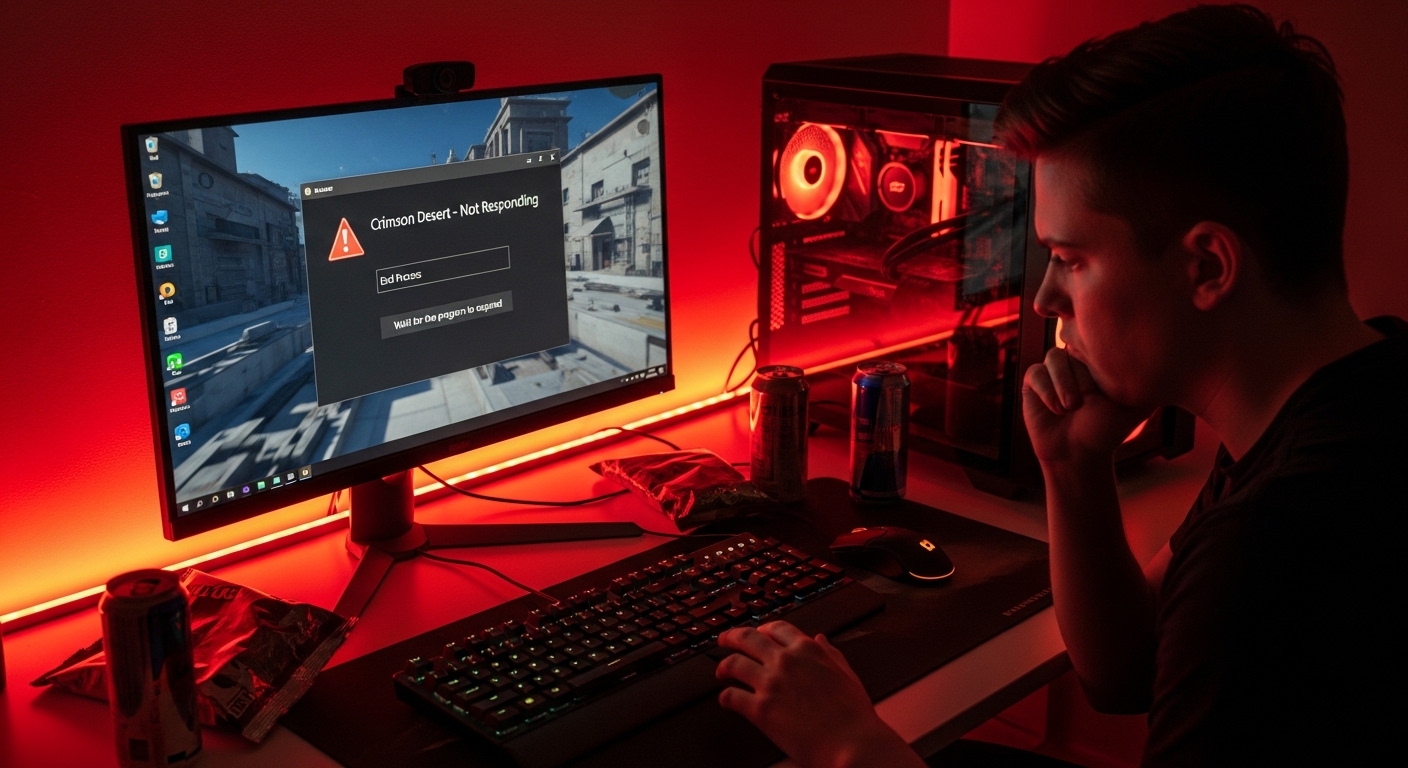
Crimson Desert Not Running on PC: You waited years for Crimson Desert. You cleared your weekend, pre-loaded the 100GB+ file, and the moment launch day arrived — you clicked Play and nothing happened. No error message. No crash report. Just silence. For millions of PC players, that’s exactly how launch day went. Pearl Abyss delivered one of the most visually stunning open-world games ever built, but the PC launch came bundled with a wave of technical problems that left a significant portion of the player base locked out. Crimson Desert is not running for countless users across Steam, Epic, and Xbox PC — and the reasons are more specific than most people think. This guide digs into every confirmed cause and gives you the exact steps that are actually working for players right now.
Why Crimson Desert Is Not Running on PC for So Many Users
This isn’t a case of a game launching with one or two edge-case bugs. Crimson Desert’s launch has been described as a technical bloodbath — players booting up the game only to be greeted by black screens, hard system crashes, and UI elements floating over a completely dark void. The problem doesn’t discriminate based on hardware — it’s hitting older rigs and brand-new RTX 5090 builds alike.
The Core Technical Reason: The BlackSpace Engine
Crimson Desert runs on Pearl Abyss’s proprietary BlackSpace Engine, which strictly requires heavily updated software environments to handle its dynamic weather and massive crowd rendering systems. This engine is cutting-edge, and it demands that every layer of your PC’s software stack — drivers, DirectX, Visual C++ libraries — is current. If anything is even slightly outdated, the game refuses to launch.
DLSS and Nvidia Upscaling Conflicts
The primary offender for Nvidia GPU users is DLSS — specifically DLAA and DLSS 4.0 or 4.5. If global overrides are active for Super Resolution in the Nvidia desktop application, the game engine panics. Opening the Nvidia App, locating the Crimson Desert profile, and resetting DLSS and Super Resolution to default — selecting “use application settings” for everything — solves the rendering conflict for a massive chunk of the player base.
Additionally, DLAA is currently bugged and causes a black flickering bar at the top of the screen that eventually swallows the entire image. Dropping to DLSS Quality mode instead resolves this for most users.
Crimson Desert Not Running on PC: Every Confirmed Cause
Before applying fixes, it helps to know exactly what you’re dealing with. These are the confirmed root causes behind launch failures reported by thousands of players post-launch.
Most Common Causes
- Corrupted game files — With a download size over 100GB, it’s very common for a few megabytes to get corrupted during the installation process, causing silent crashes where the game closes instantly without any error message.
- Outdated GPU drivers — Nvidia driver 595.79 is specifically required for Crimson Desert. Both Nvidia and AMD released Day-One drivers optimized for the game.
- Missing DirectX 12 — A lot of users have DirectX errors with the game. DirectX 12 is specifically required for Crimson Desert to run.
- Antivirus interference — Antivirus software, VPNs, anti-spyware tools, firewalls, and recording or broadcasting software running in the background may interfere with the game’s launch or affect its performance and stability.
- Missing Visual C++ Redistributables — Errors like MSVCP140.dll missing or VCRUNTIME140.dll not found mean you need to reinstall the Microsoft Visual C++ Redistributables — install both x86 and x64 versions.
- Overlay conflicts — Steam Overlay, Discord Overlay, and Nvidia GeForce Experience Overlay are all known to conflict with the BlackSpace Engine at launch.
- Insufficient RAM — The game requires 16GB of RAM minimum, but you should ideally have 32GB since Windows and background applications consume additional memory beyond what the game itself needs.
How to Fix Crimson Desert Not Running on PC
Work through these fixes in order. The first few resolve the majority of cases.
Fix 1 — Verify Integrity of Game Files (Start Here)
Corrupted installation files are the number one cause of Crimson Desert crashing on startup. Verifying your files is the safest first step and saves you the time of a full reinstall.
On Steam:
- Open your Steam Library
- Right-click Crimson Desert → Select Properties
- Click the Installed Files tab
- Select Verify integrity of game files
- Wait for the scan to complete, then relaunch
On Epic Games Launcher:
- Open your Library
- Click the three dots (…) next to Crimson Desert
- Select Manage → Click Verify
This has fixed the issue for most users who were experiencing silent crashes at launch.
Fix 2 — Update Your GPU Drivers to the Latest Version
Crimson Desert is a brand-new game, and if you are using outdated graphics drivers, the game may crash the exact moment you launch it. Updating drivers ensures compatibility with the new title.
- For Nvidia users: Download the latest driver from nvidia.com/drivers
- For AMD users: Download from
- After installing, restart your PC completely before launching the game
Fix 3 — Fix the DLSS / DLAA Black Screen (Nvidia Users)
Before touching in-game settings, check your Nvidia desktop application. If global overrides are active for Super Resolution, reset the DLSS preset and Super Resolution to their default state by selecting “use application settings” for everything.
If you’re already stuck on a black screen and can’t access the menu to change upscaling settings, temporarily disable DLSS entirely via the Nvidia App before launching.
Fix 4 — Whitelist Crimson Desert in Your Antivirus
Add an exception for the game in your antivirus software. Verify your game files or reinstall the game to recover any missing or quarantined files.
This is especially important for Windows Defender users. Error 0xc0000005 (Access Violation) is usually caused by strict antivirus software blocking the BlackSpace Engine from accessing your RAM. Whitelisting the Crimson Desert installation folder in Windows Defender or running the game as Administrator resolves this.
Fix 5 — Clear Steam Download Cache
If you have used Steam for quite some time, the download cache can eventually get corrupted, triggering certain downloading and launching issues for games. To fix this: open Steam Settings → click the Downloads option → click Clear Download Cache.
Fix 6 — Disable All Overlays
Turn off every overlay running on your system before launching:
- Steam Overlay: Steam Settings → In-Game → Uncheck “Enable the Steam Overlay while in-game”
- Discord Overlay: Discord Settings → Activity Status → Disable overlay
- Nvidia GeForce Experience: Settings → General → Turn off In-Game Overlay
After disabling all three, restart Steam and attempt launch again.
Fix 7 — Force DirectX 11 Mode (Advanced Fix)
For users getting a “DX12 is not supported on your system” error:
Right-click Crimson Desert in Steam → Properties → Launch Options. Type -dx11 or -d3d11 to force DirectX 11 mode, which can bypass the DX12 requirement at the cost of some graphical fidelity.
Fix 8 — Reinstall Visual C++ Redistributables
Missing or broken Visual C++ files can stop games from launching completely. Download the latest Microsoft Visual C++ Redistributables from Microsoft’s official site and install both the x86 and x64 versions, then restart your PC.
Fix 9 — Reinstall the Game Completely
If none of the above works:
Go to your platform’s game client, find Crimson Desert, and select Uninstall. Remove the Crimson Desert folder from your Steam or Epic Games Store directory. Restart your computer to ensure all changes take effect. Then reinstall Crimson Desert.
Minimum System Requirements for Crimson Desert on PC
Before spending hours troubleshooting, verify your hardware actually meets the baseline requirements. Running below minimum specs causes silent crashes with no error message.
| Component | Minimum | Recommended |
|---|---|---|
| OS | Windows 10 64-bit | Windows 11 64-bit |
| CPU | Intel Core i7-8700K / AMD Ryzen 5 3600X | Intel Core i9-10900K / AMD Ryzen 9 5900X |
| RAM | 16 GB | 32 GB |
| GPU | Nvidia GTX 1080 / AMD RX 5700 | Nvidia RTX 3080 / AMD RX 6800 XT |
| DirectX | DirectX 12 | DirectX 12 |
| Storage | 100 GB (SSD recommended) | 100 GB NVMe SSD |
Known Bugs Confirmed by Pearl Abyss
Pearl Abyss has officially acknowledged several launch issues. Known problems confirmed in their official blog post include frame rate drops when the Abyss is visible from the world below, a quest bug during “Deferred Advance” that prevents enemies from recovering health correctly, a character control lock when attempting to steal fruit, and a progression-blocking bug during the Gregor boss fight.
If your issue persists after trying all troubleshooting steps, Pearl Abyss encourages players to submit a detailed bug report through their official support page, including a description of the issue, whether it occurs consistently or intermittently, and relevant location or quest information.
Expert Opinion: Is This a Fixable Situation?
Yes — and history supports that. 90% of these crashes are caused by three simple things: corrupted downloads, missing C++ libraries, or overlay conflicts with Pearl Abyss’s proprietary engine. All three are solvable in under 30 minutes.
The DLSS conflict is the wildcard for Nvidia users, but resetting your Nvidia App profile to default settings is a two-minute fix that’s resolving the issue for thousands. Pearl Abyss has a strong post-launch track record from Black Desert Online and is already gathering reports actively — a patch targeting the most widespread launch issues is expected within the first week.
Frequently Asked Questions (FAQs)
Q1: Why is Crimson Desert not launching on PC? The most common causes are corrupted game files, outdated GPU drivers, DLSS/DLAA conflicts on Nvidia GPUs, antivirus software blocking the game, or missing DirectX 12 and Visual C++ Redistributables.
Q2: Crimson Desert black screen on launch — how do I fix it? Disable DLAA in your Nvidia App and set DLSS to “use application settings.” Also disable all overlays (Steam, Discord, GeForce Experience) before launching. This resolves the majority of black screen reports.
Q3: Crimson Desert crashes immediately after clicking Play — what’s wrong? Verify your game file integrity through Steam or Epic first. If that doesn’t help, update your GPU drivers to the latest version and whitelist the game in your antivirus software.
Q4: Does Crimson Desert require DirectX 12? Yes. DirectX 12 is a hard requirement. If your system shows a DX12 error, ensure Windows is fully updated. As a workaround, you can force DirectX 11 mode via Steam Launch Options using the -dx11 flag.
Q5: How much RAM does Crimson Desert need on PC? The minimum requirement is 16 GB of RAM, but 32 GB is recommended for stable performance since Windows and background processes consume additional memory during gameplay.
Q6: Crimson Desert won’t launch on Xbox PC app — what should I do? Make sure your Microsoft Store account matches the one used for the purchase, that your PC is registered to that account, and that Windows is fully updated. Resetting the Microsoft Store cache using wsreset.exe often resolves the issue.
Q7: Will Pearl Abyss release a patch to fix Crimson Desert PC issues? Pearl Abyss has an official bug report page active and has acknowledged several known issues post-launch. A patch addressing the most widespread PC problems is expected within the first week of release.
Q8: Is Crimson Desert worth buying despite the launch issues? The game itself has received very positive reviews. The launch issues are technical and largely fixable, not indicative of the game’s quality. Most players who worked through the fixes report no further problems during extended gameplay.

Surya Gupta is a professional blogger and SEO specialist with over five years of experience in digital content creation. He writes about technology, smartphones, games, trading, and trending topics. Through his websites, he aims to provide clear, accurate, and helpful information to readers.